Dashboard financiero: qué es y cómo te ayuda a decidir mejor
Qué es un dashboard financiero, qué informes debe incluir (P&L, balance, cash flow, presupuesto) y cómo te ayuda a decidir con tus números en tiempo real.
Read moreMyfinteem is the dashboard where finteem puts your business’s numbers. Much more than an Excel file or a PDF, with smart analysis and no jargon.
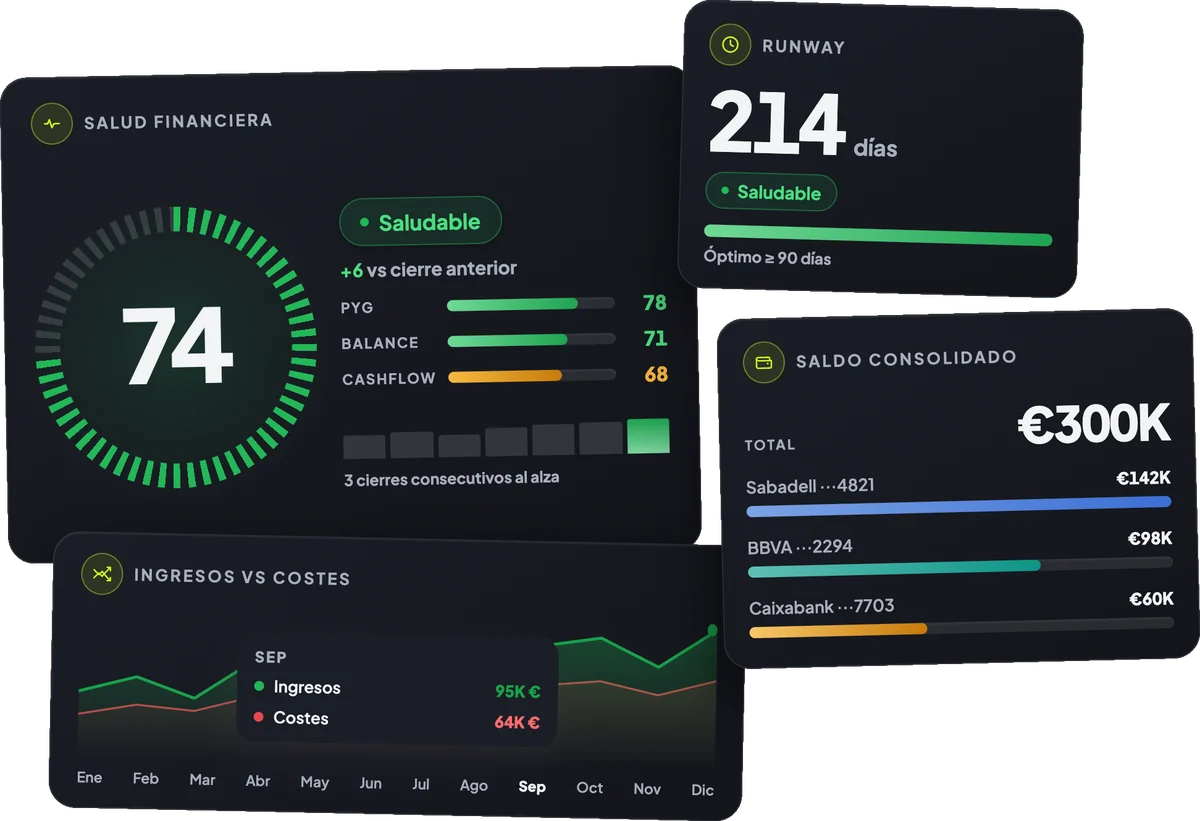
We take care of your accounting and, at every monthly close, upload your numbers to myfinteem. You don’t have to ask for them or wait.
Private, immediate access to your dashboard. Nothing to install or configure, from the browser on any device.
Your KPIs and financial statements explained in plain language, with smart analysis. You see how your business is doing at a glance.
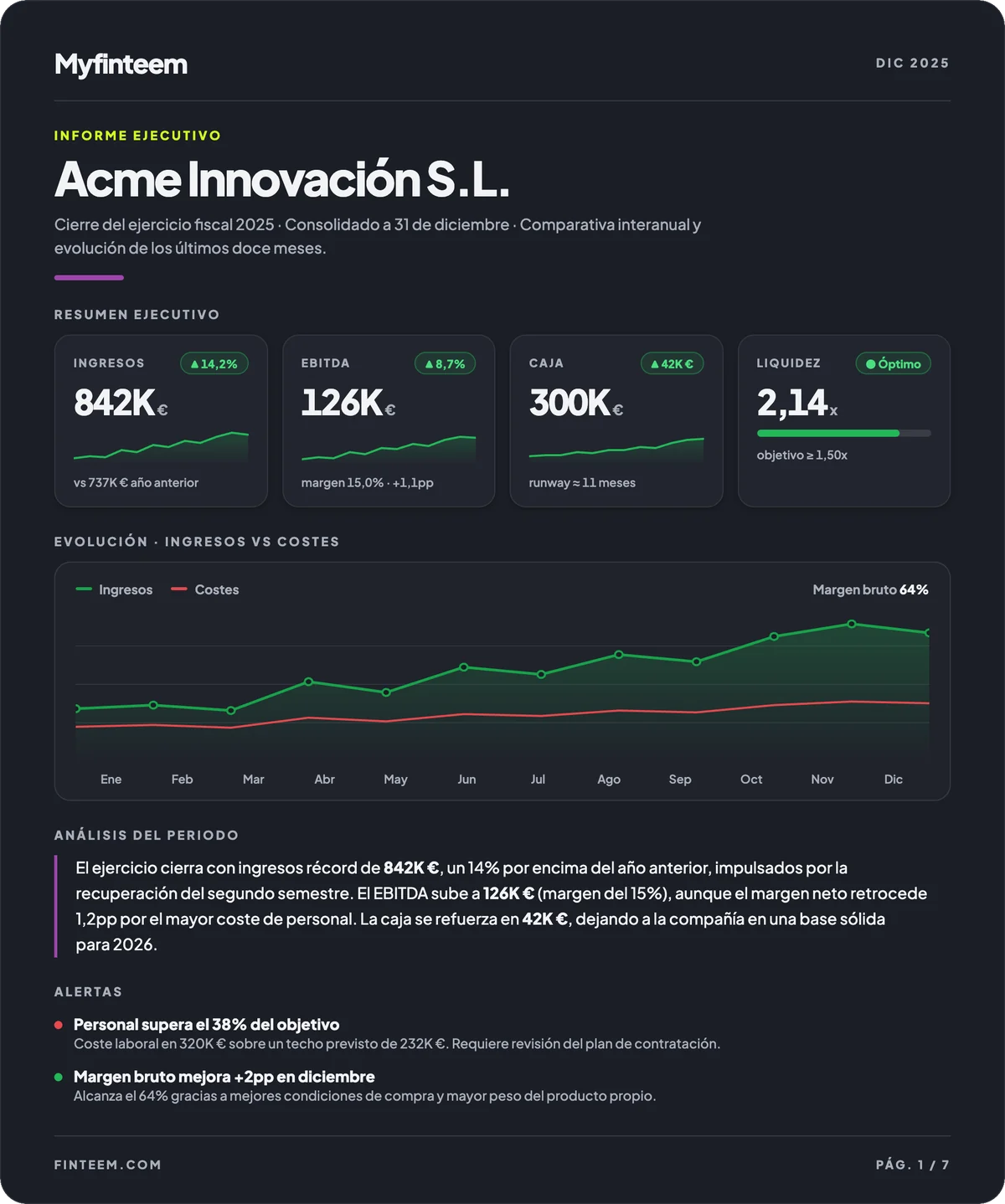
Every month you receive an executive report and have your numbers available 24/7, so you can decide with data whenever you need to.
Swipe to see more
Income, costs and margins. You know exactly where money is made and where it goes.
Assets, liabilities and equity. You know whether your business is growing in value or in debt.
Your cash position at the close of each month, with a forward projection. You know whether you’ll make it before it’s too late.
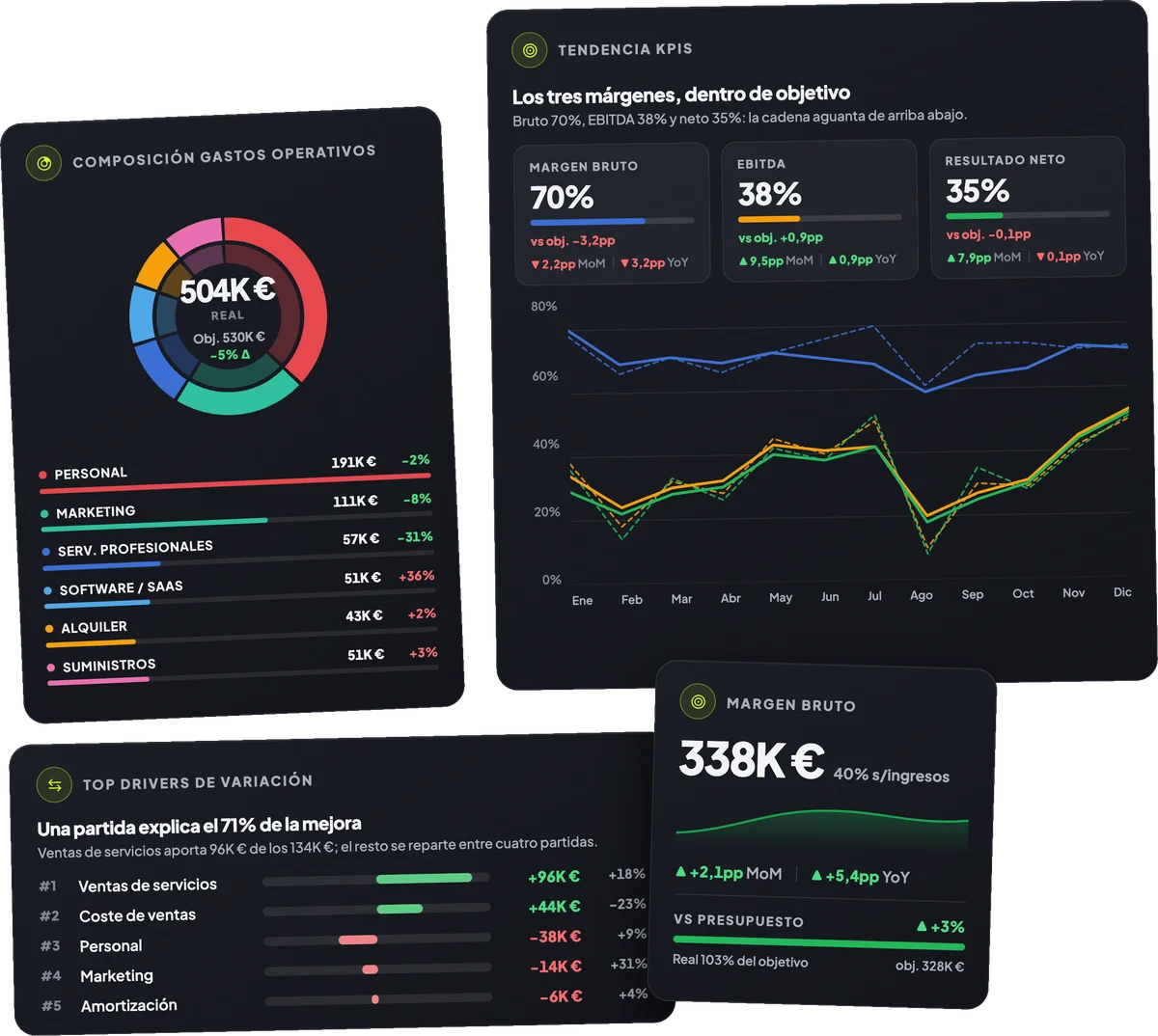
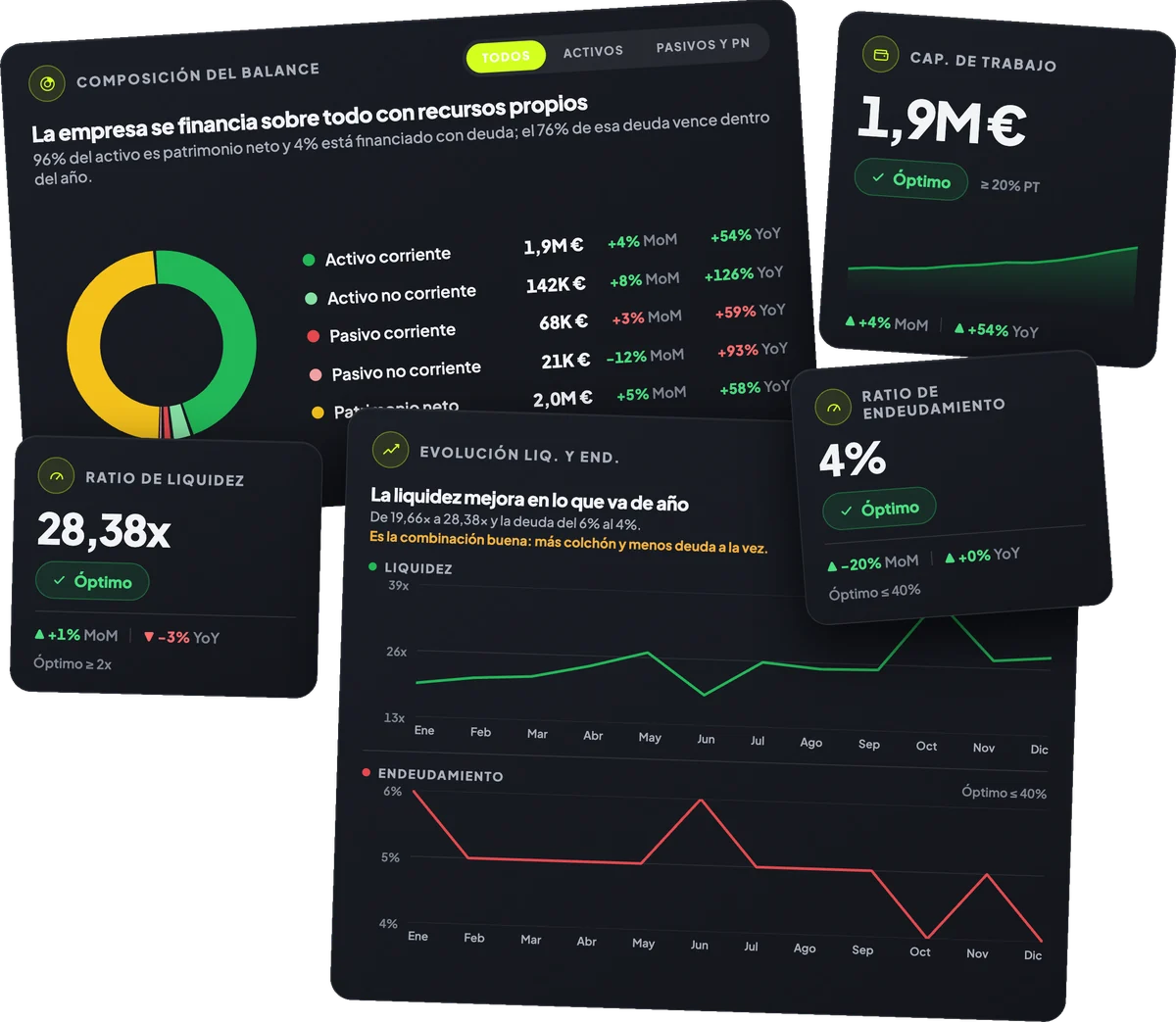
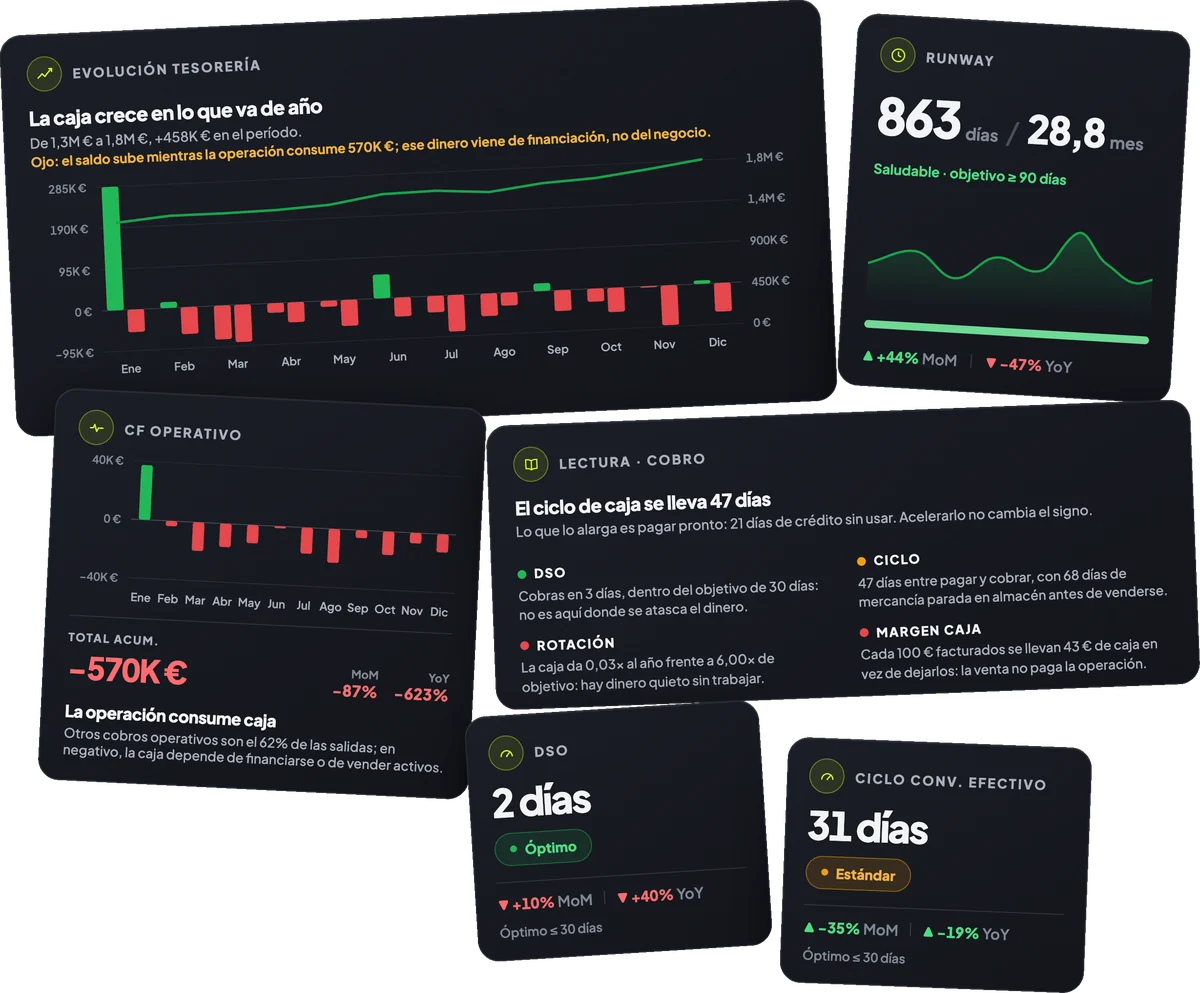
The story of the month: what improved, what got worse and why.
Every close includes alerts and specific recommendations so you can act before the next month.
P&L, Balance Sheet, Cashflow and Executive. All in one delivery, without you having to ask.
A professional document with conclusions. Just forward it.
| Feature | GestoríaTax compliance only | Another external CFONo dashboard of their own | myfinteemControl · Partner |
|---|---|---|---|
| Reporting format | No reporting | Excel or PDF | Excel + PDF + Dashboard |
| Delivery time | 10+ days after close | By the 10th or earlier | |
| Frequency | Monthly · manual | Monthly · automated | |
| Can you understand it without help? | Depends on the adviser | Adviser <24h + AI | |
| Monthly executive report | Manual · hours of work | ||
| Automatic alerts | |||
| 24/7 access | |||
| AI that explains every number |
Book 30 minutes with finteem and together we’ll look at how we can work to give you clarity from the very first month.
Book a DEMOQué es un dashboard financiero, qué informes debe incluir (P&L, balance, cash flow, presupuesto) y cómo te ayuda a decidir con tus números en tiempo real.
Read moreLas métricas clave que todo emprendedor debe entender: burn rate, runway, EBITDA y CAC frente a LTV. Qué mide cada una y cómo calcularla.
Read moreLos KPIs para tienda digital que necesitas para escalar sin quemar caja: CAC, ticket medio, conversión, margen por canal, recompra y stock parado.
Read moreIf you can’t find what you’re looking for, email us at info@finteem.com
No. Myfinteem is designed for entrepreneurs, not finance people. The numbers are presented in plain language, with analysis and alerts that tell you what each thing means. If in doubt, finteem explains it to you.
finteem puts them there. At every close, the team works on your accounting and uploads the data to the dashboard. You just log in and look. No exporting, no touching Excel.
At every monthly close. Before the 10th you have your dashboard and your report ready with the previous month’s data.
Yes. Encrypted data, hosting in Europe (GDPR) and isolation per company. Your data is not shared with third parties or used to train AI models.
Two ways: the dashboard’s AI explains each metric in plain language, and a finteem adviser answers you in less than 24h. At no extra cost.
It isn’t compulsory. Finteem can work with the information your gestoría already produces, or take care of everything (accounting + reporting + strategy). We agree it with you, depending on the pack you choose.